Manage Xero Invoice Settings
Payment Reminders
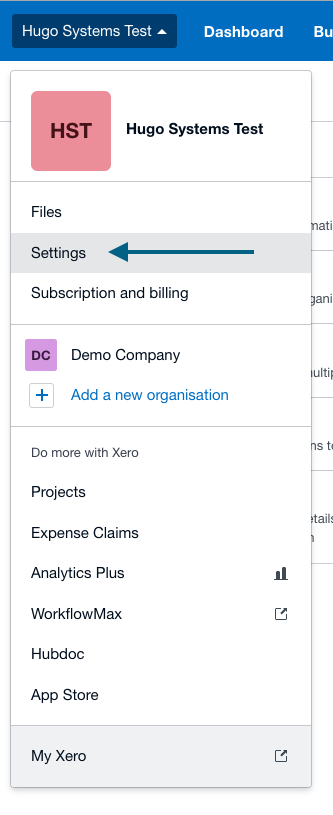
Step 1: Xero - Visit the Settings section of Xero
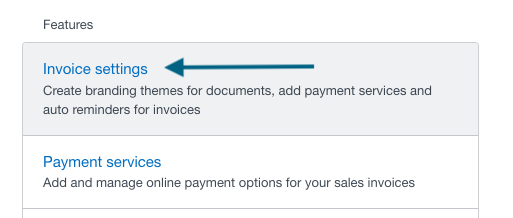
Step 2: Xero - Click in Invoice Settings
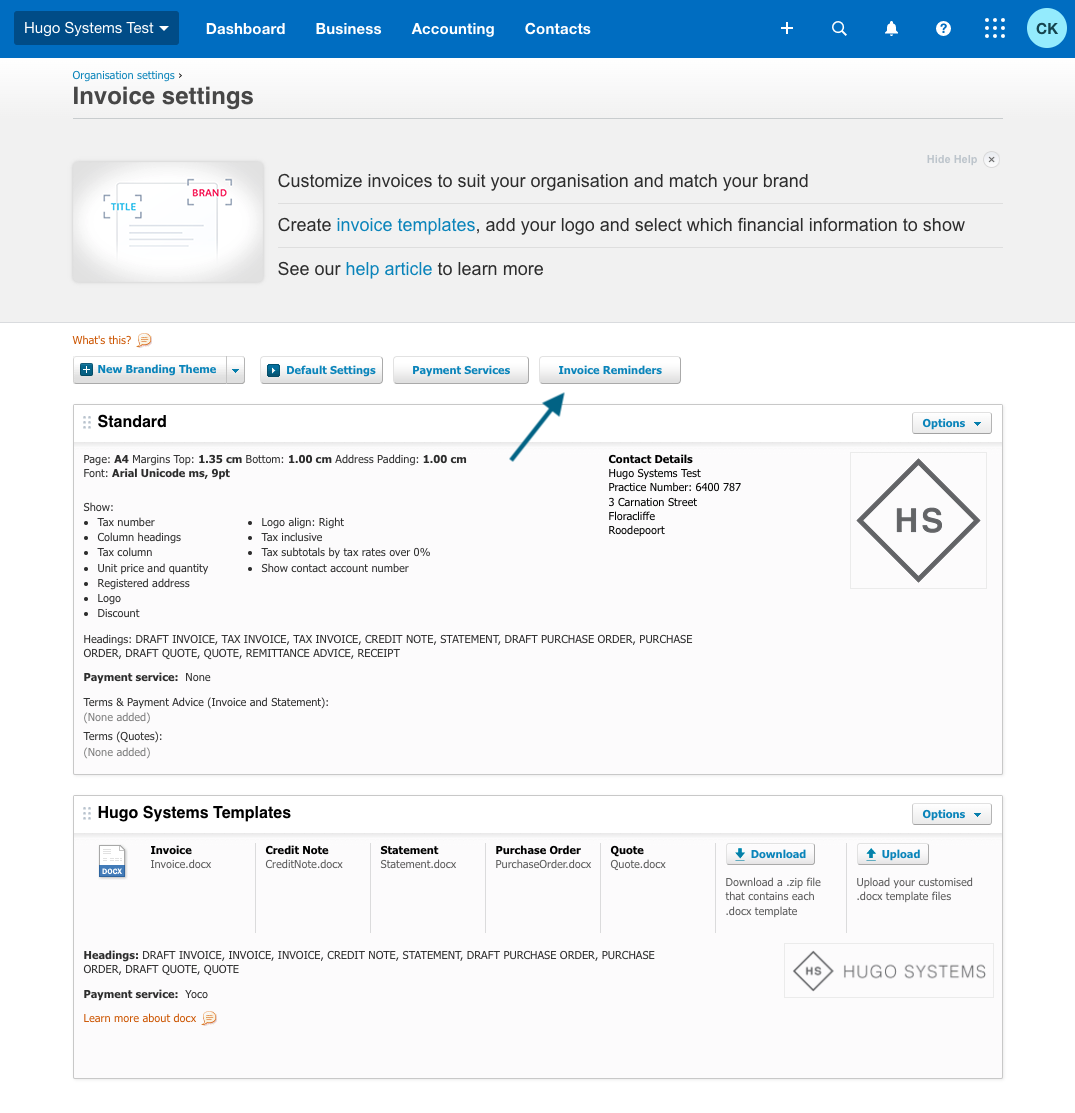
Step 3: Xero - Click in Invoice Reminders
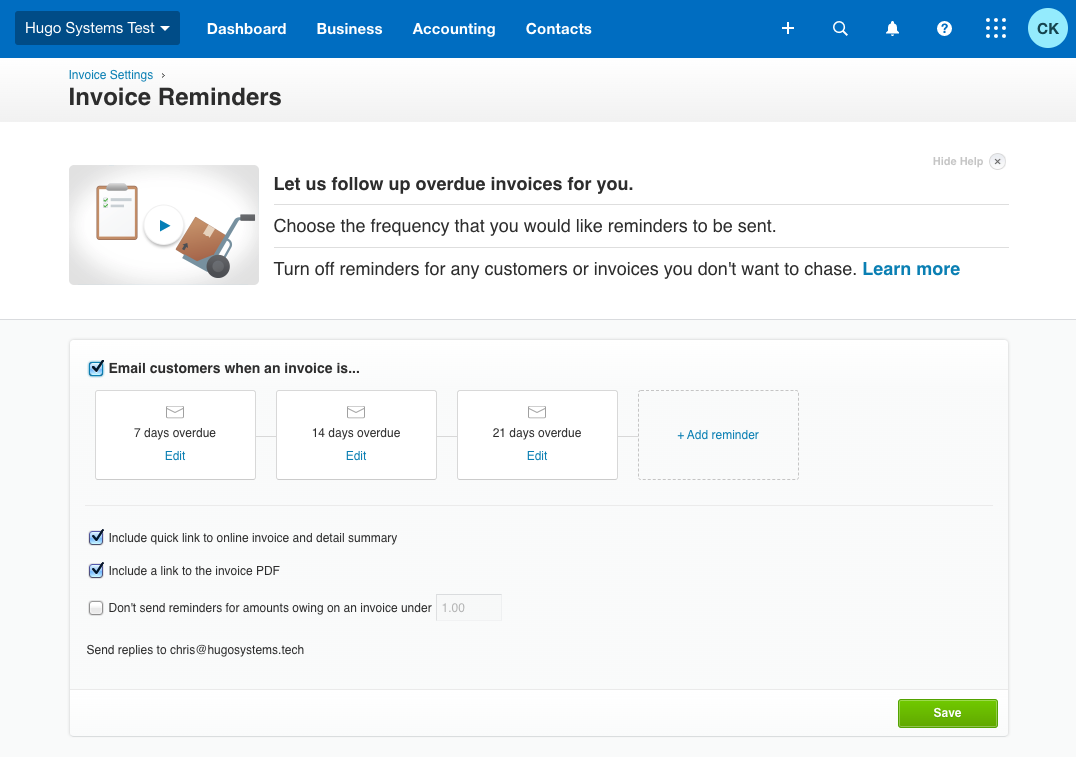
Step 4: Xero - Turn on Reminders and setup your preferences
Online Payment Service
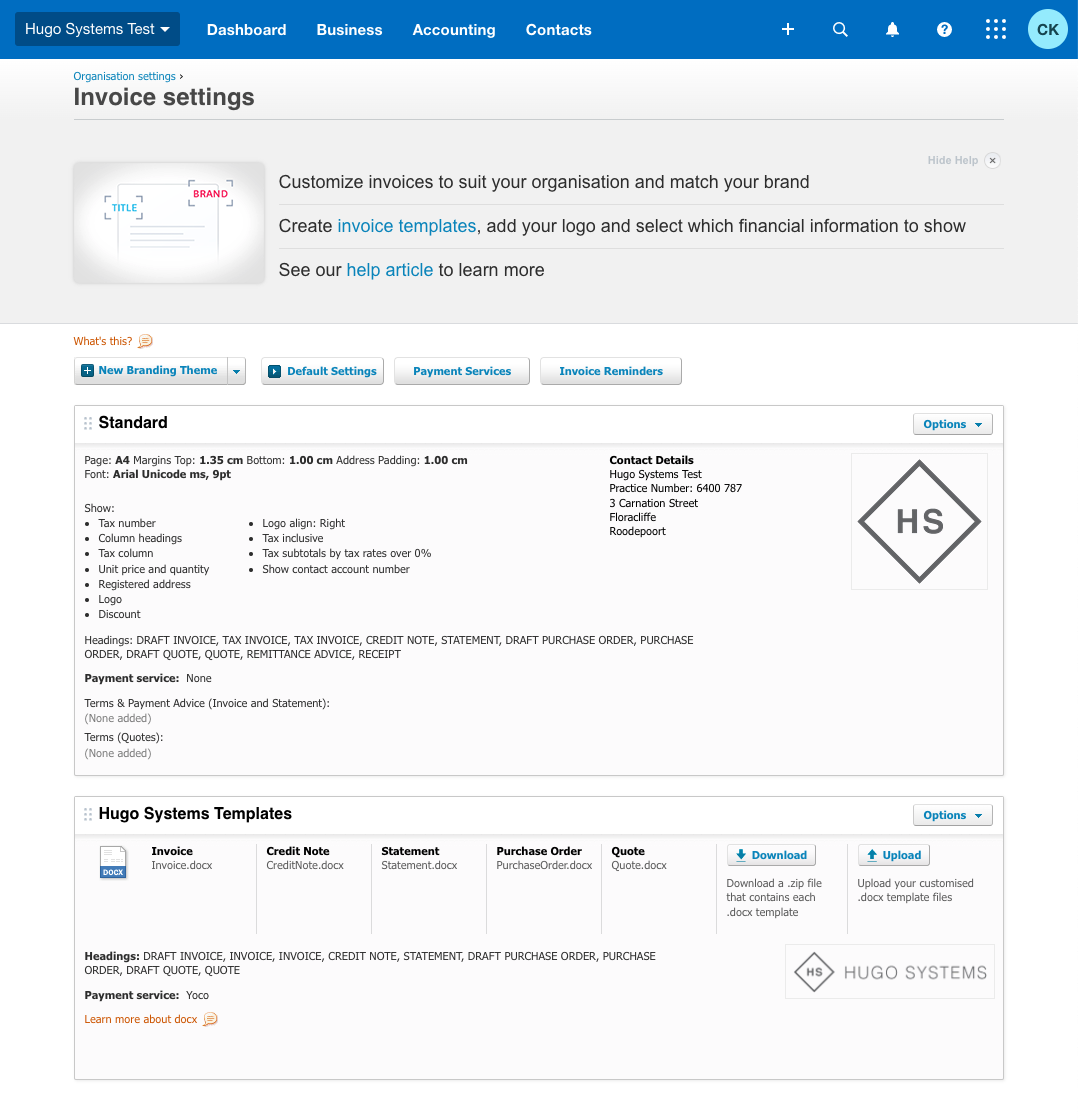
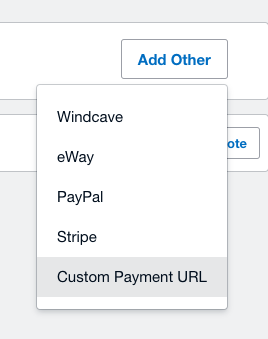
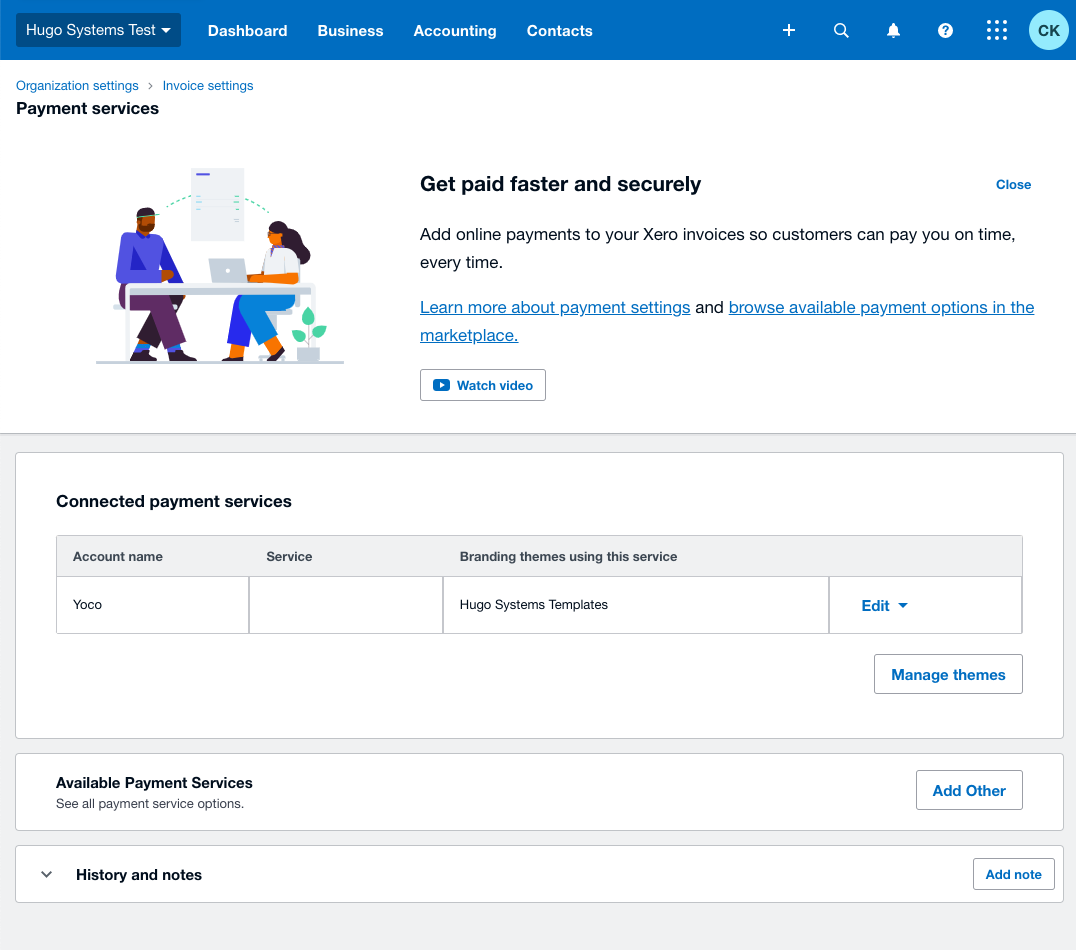
Step 3: Xero - Select Custom URL
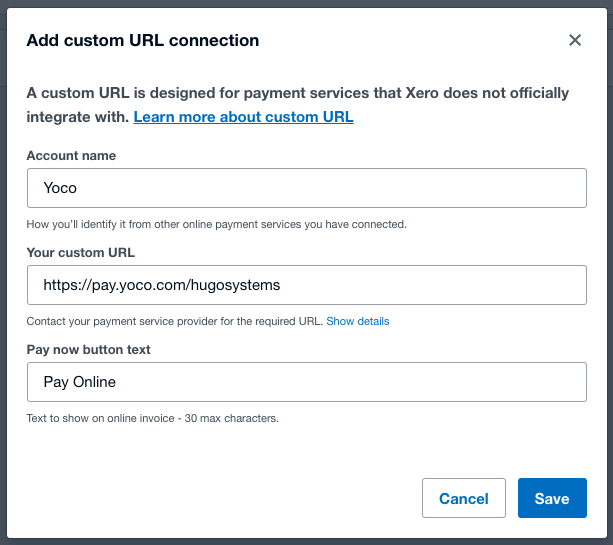
Step 4: Xero - Enter your payment gateway details
- Yoco is a great payment service
Step 4: Xero - Edit settings
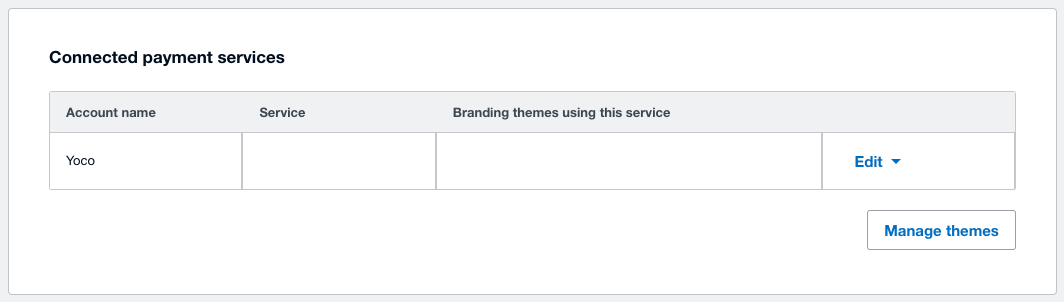
Step 5: Xero - Save Assigned Template
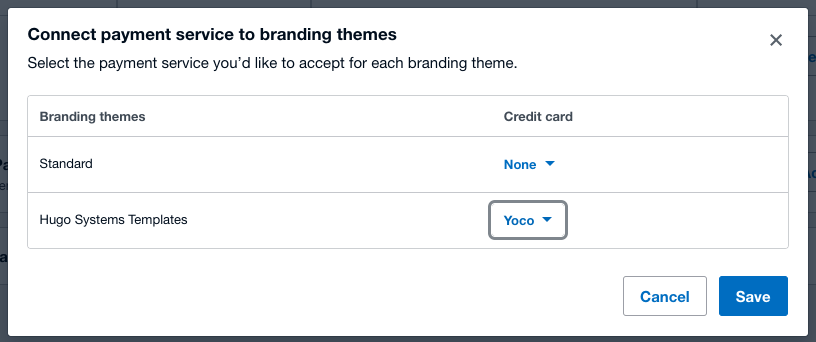
- Confirm your settings are correct
Learn all about Xero using their excellent guides